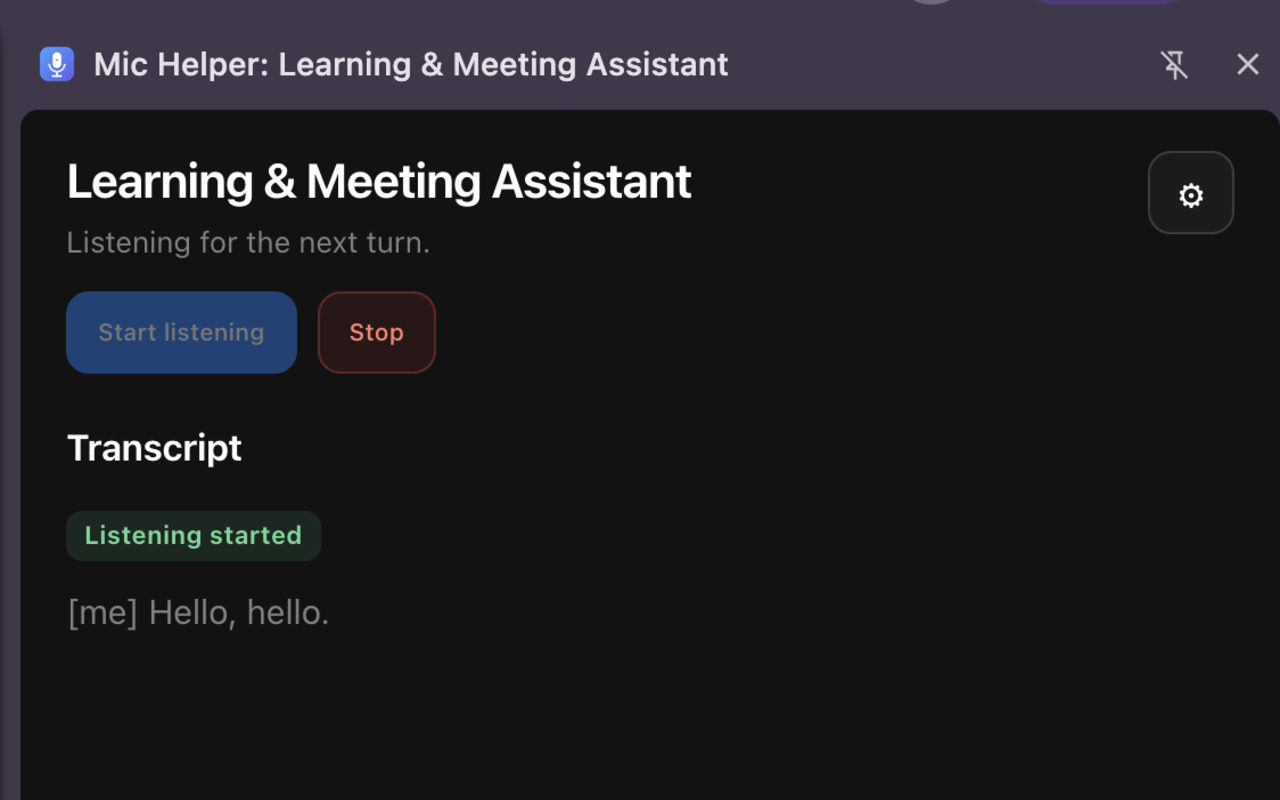
Your conversation,
in clear view.
See speech from your active tab and selected microphone appear as a live transcript. Keep your attention on the room, not your notes.
A quiet companion for classes and meetings. Follow the conversation, keep the important details, and find the words when you need them.

A second set of ears
A class moves quickly. A good idea can get lost in a meeting. Mic Helper keeps a live transcript close and gives you a place to ask for a little more context.
Made for the moment
One simple companion for learning, collaboration, and the conversations in between.
See speech from your active tab and selected microphone appear as a live transcript. Keep your attention on the room, not your notes.
Here’s the idea in one sentence: start with the smallest step that proves the value.
Ask for a summary, a definition, or a useful next step. Responses draw on recent conversation and any notes you choose to add.
For the moments that move quickly
Mic Helper is a listening companion for learning and conversation. It can make spoken information easier to follow, revisit, and ask about.
Students can follow a fast lesson in a live transcript, review a question they missed, and ask for a simple explanation of an unfamiliar term. Add your own course notes as context when you want answers grounded in what you’re studying.
Follow an English lesson or conversation with a transcript, then ask about a phrase or request a short recap. Set a transcription language in advance, and the assistant can answer in that language.
Keep track of key points while you listen. If you miss a question or detail, use the recent transcript to ask for a repeat, summary, or clarification so you can rejoin the conversation.
Mic Helper is a support tool, not a substitute for your own judgment. Always get any consent required by your school, workplace, or local rules before capturing audio.
Your language, your pace
Choose a fixed transcription language in settings, or leave language detection on. When a language is selected, Mic Helper answers in that language too.
Explore the extensionChoose how you want to use it
Start with your own OpenAI API key, or tell us you’re interested in a managed plan.
$0 / Mic Helper subscription
Use the extension with your own OpenAI API key and manage your API account yourself.
$5 / month
A planned managed option for people who’d rather not set up an OpenAI API account or manage a key.
Pro is in planning. Requesting early access does not start a subscription or charge you.
Clarity includes privacy
Before each session, Mic Helper explains what it captures and asks for your consent. Start and stop listening when you choose. If you request Pro early access, your email is sent to our team through Telegram so we can follow up.
Read the privacy policyReview the disclosure and agree before audio capture starts.
Speech segments are sent to OpenAI for transcription and, when used, answers.
Your API key, settings, and optional context are stored in your Chrome profile.
Take the next conversation with you
Mic Helper is a Chrome extension for learning and meetings. An OpenAI API key is required; API usage may incur charges under your OpenAI account.
Add to Chrome Available in the Chrome Web Store