A one-time setup
Connect your
OpenAI API key.
Mic Helper uses your OpenAI API account for transcription and assistant answers. Follow these steps to add credit, create a key, and save it in the extension.
API billing is separate from ChatGPT subscriptions. You pay OpenAI directly for API usage from your own account.
- 01 / SETUP
Open the OpenAI API platform
Go to the API platform and sign in or create an OpenAI account. A ChatGPT account can be used to sign in, but ChatGPT Plus or Pro does not include API usage: API billing is separate.
Open the API platform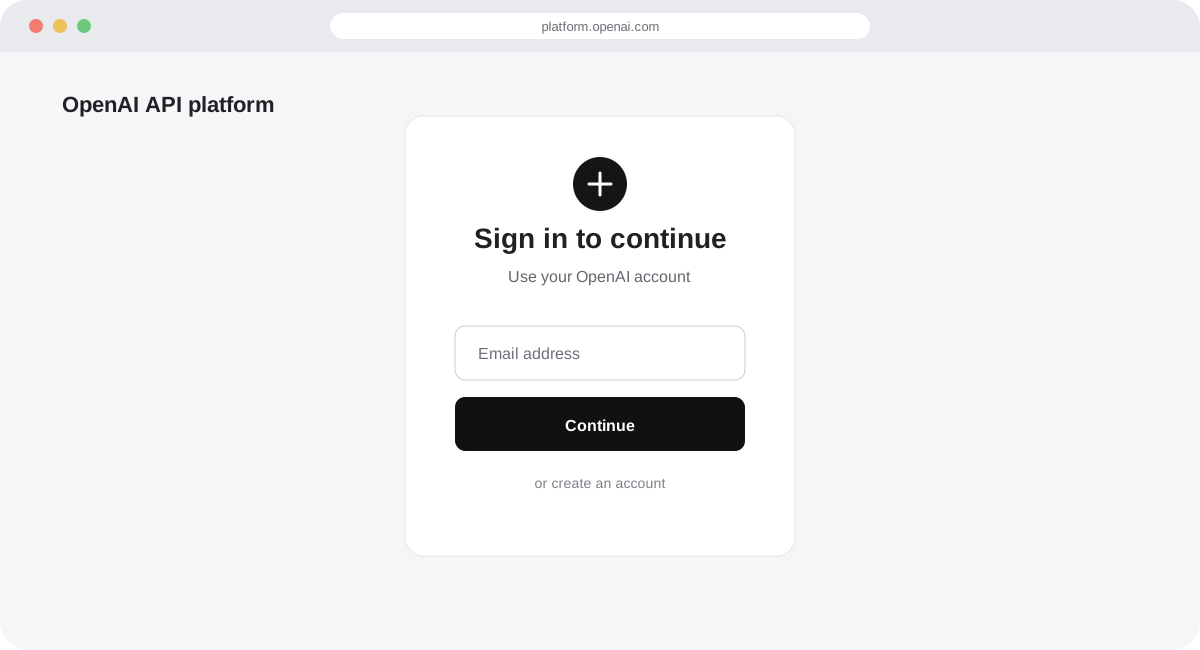
Illustrative screen. The OpenAI dashboard may look different. - 02 / SETUP
Add a payment method and credit
Open Billing, choose Add payment details, then select an initial credit purchase. OpenAI currently lists $5 as the minimum and $10 as the default. Review the total before confirming. Auto-reload is enabled by default during setup, so turn it off if you do not want automatic top-ups. Purchased credits expire after one year and generally are not refundable.
Open API billing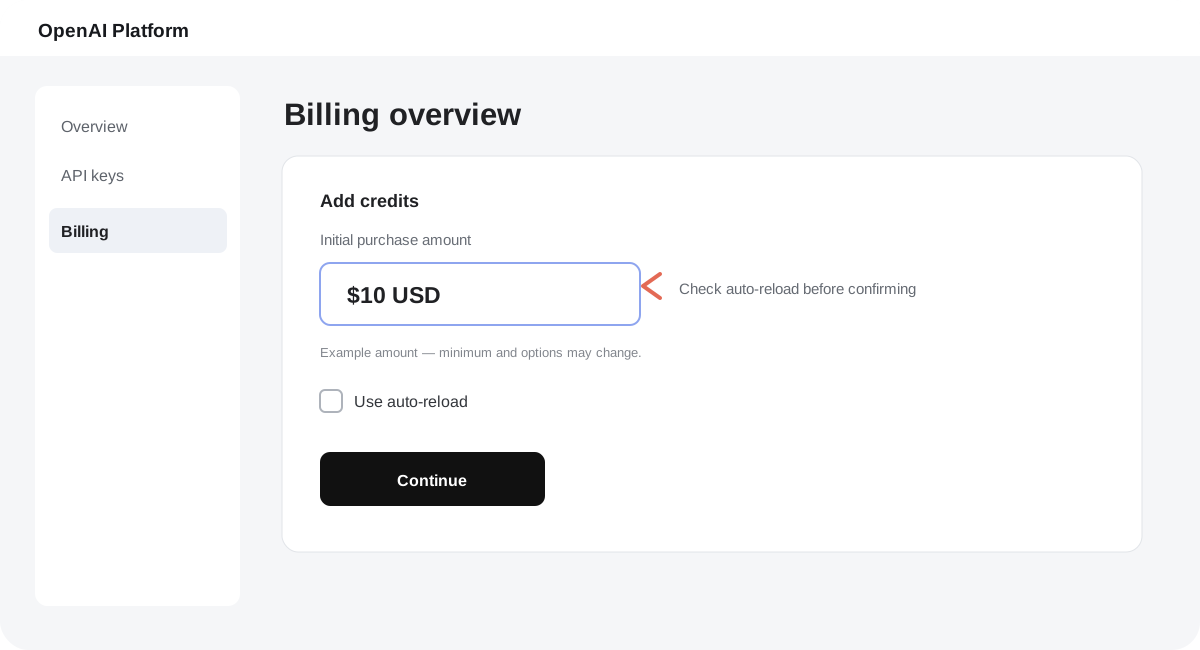
Illustrative screen. The OpenAI dashboard may look different. - 03 / SETUP
Create and copy an API key
Open the API keys page, create a new secret key, and copy it when it appears. The full key is shown only once. Keep it private: do not send it to anyone or include it in screenshots. If it is lost, create a replacement key.
Open API keys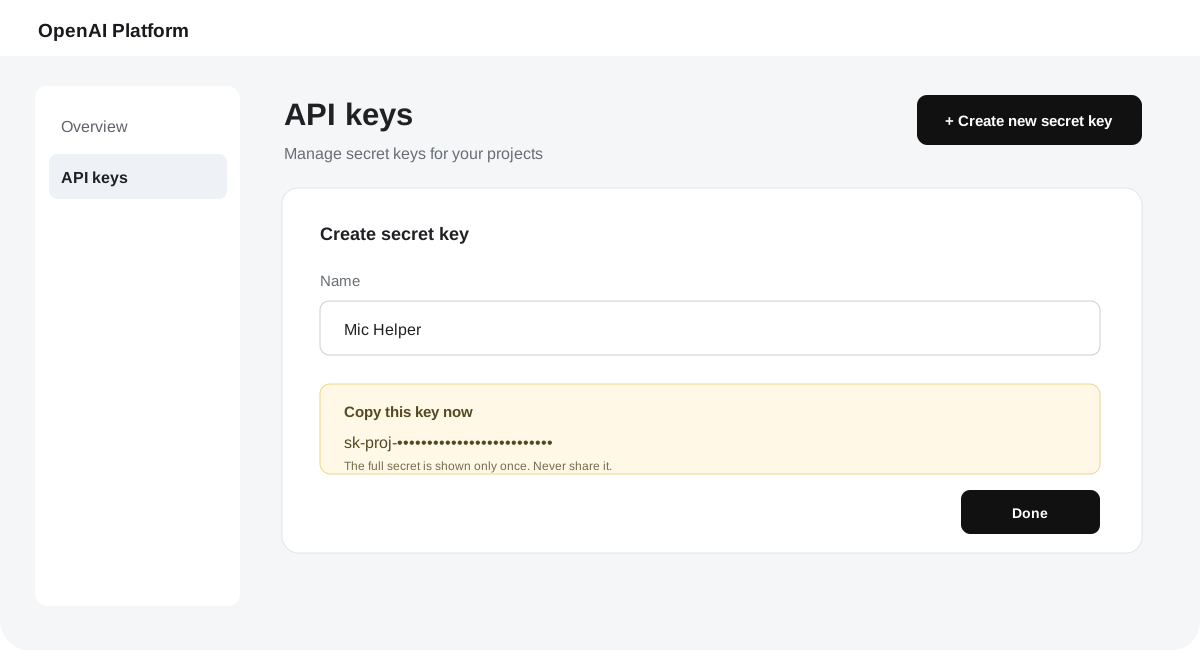
Illustrative screen. The OpenAI dashboard may look different. - 04 / SETUP
Add the key to Mic Helper
Open Mic Helper settings, paste the key in the OpenAI API key field, and select Save settings. The key is stored in your Chrome profile and is sent directly to OpenAI when the extension makes API requests. Mic Helper’s publisher does not receive it.
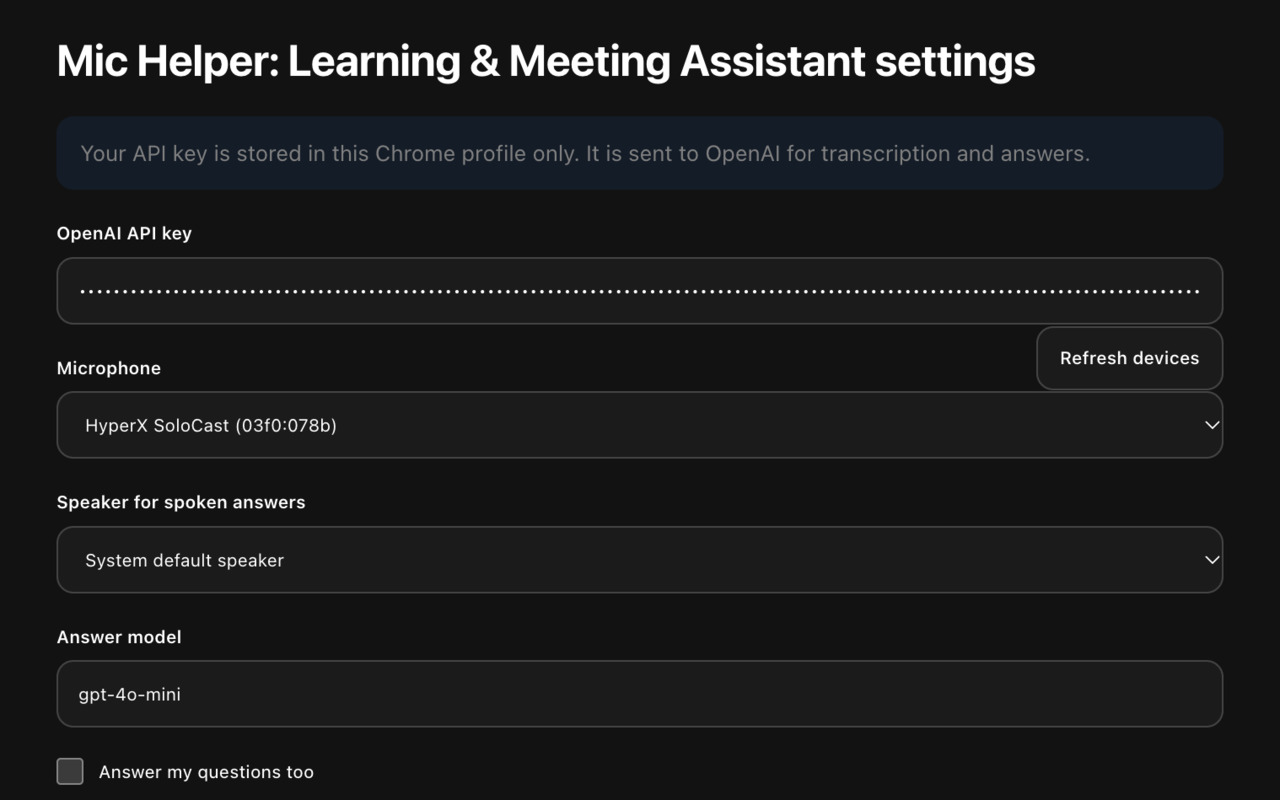
Mic Helper settings — the key is masked in this example.
OpenAI’s current instructions:
Prepaid API billingFinding and managing API keysChatGPT and API billing